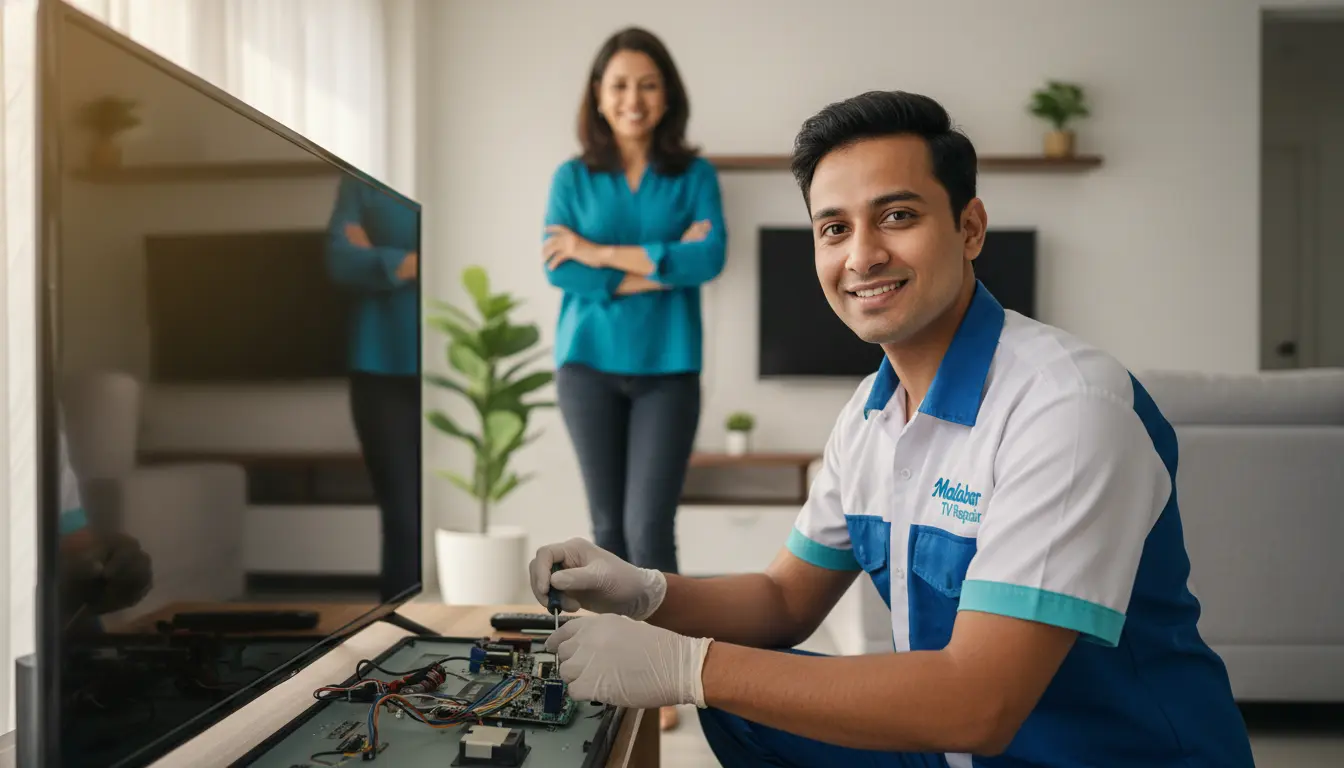
Screen burn-in, also known as image retention, refers to the permanent or temporary ghostly impression of a static image that remains on a screen after the original image has changed. This phenomenon is commonly associated with OLED and plasma display technologies, where individual pixels can become fatigued from displaying the same image for an extended period. However, it can also affect other types of displays, including LCDs. In the context of modern home entertainment systems in 2026, screen burn-in is particularly concerning for Malabar residents, who often use high-end displays for prolonged periods and may be unaware of the cumulative risks associated with static UI elements.
The distinction between screen burn-in and image retention is crucial for effective maintenance. While both terms describe a similar visual artifact, image retention is typically temporary and can be resolved by simply turning off the display or using a “pixel refresher” cycle. Screen burn-in, on the other hand, is often permanent and can significantly affect the overall viewing experience. To ensure your display is evaluated according to the highest industry benchmarks, explore our credentials as a Certified Multi-Disciplinary Maintenance Expert.
Environmental Impacts on Display Fatigue
Malabar’s unique environmental conditions, including high humidity and intense seasonal lightning, can exacerbate the risk of screen burn-in. High moisture content facilitates accelerated oxidation on sensitive copper traces, leading to premature circuit failure in modern 4K and OLED displays. Furthermore, voltage instability can cause the T-CON board to mismanage pixel voltage, making it more susceptible to image retention. For smaller, precision-based technical adjustments that keep your smart home equipment running optimally, we provide dedicated support as a handyman for small jobs near Safety Harbor and the Malabar coastal region.
Understanding the Causes and Prevention
Screen burn-in is often caused by the prolonged display of static images, such as TV channel logos, video game menus, or computer desktops. When an image is displayed for an extended period, the organic light-emitting diodes (in OLEDs) or sub-pixels become overworked. To prevent this, residents can adjust display settings to optimal levels, such as reducing the OLED light or backlight setting to eighty percent. If the display’s internal lighting begins to fail alongside retention issues, we provide specialized backlight replacement to restore visual uniformity.
In addition to software-based pixel shifting, hardware stability is critical. Protecting the TV’s power stage from the fluctuating coastal grid is essential; we recommend professional power supply repair and the use of an Uninterruptible Power Supply (UPS). Furthermore, protecting your home’s exterior can prevent environmental stress on your electronics. We offer fence post replacement to secure external antennas and leads, and routine gutter repair to prevent foundation saturation that spikes indoor humidity and accelerates internal component oxidation.
Malabar Display Maintenance FAQ
1. Can “pixel cleaning” software truly fix permanent burn-in?
Software tools can often clear up temporary image retention by “exercising” the pixels. However, if the organic material in an OLED panel has physically degraded, software cannot reverse the permanent ghostly impression.
2. How does Malabar’s humidity affect screen burn-in risk?
Humidity increases the heat-trapping capability of the air inside the TV chassis. Excess heat is the primary catalyst for pixel fatigue, meaning a TV in a humid Malabar home may burn-in faster than one in a climate-controlled environment.
3. Are newer 2026 OLED models immune to burn-in?
While newer models have advanced “heat sinks” and “pixel-shifting” technologies, no emissive display is 100% immune. Proactive management of brightness and static content is still required for longevity.
4. Does a power surge contribute to screen ghosting?
Yes. A surge can damage the T-CON (Timing Controller) board, which tells each pixel when to fire. A malfunctioning T-CON can leave pixels “stuck” or cause flickering that looks like retention.
5. What is the safest way to clean a screen without causing delamination?
Always use a dry microfiber cloth. If a smudge is stubborn, use a tiny amount of distilled water. Never use ammonia-based cleaners, as they eat away the anti-reflective coating and can leak into the panel edges.
Conclusion
In conclusion, screen burn-in is a significant issue that can affect the picture quality and lifespan of modern home entertainment systems. Malabar residents can prevent burn-in by understanding the causes, adjusting their display settings, and maintaining a stable environmental building envelope. If screen issues occur, it is essential to seek professional diagnostics to ensure the issue is addressed correctly. By taking proactive steps today, you can protect your investment in high-end technology and enjoy optimal picture quality for years to come. Reach out to our technical team to safeguard your viewing experience.