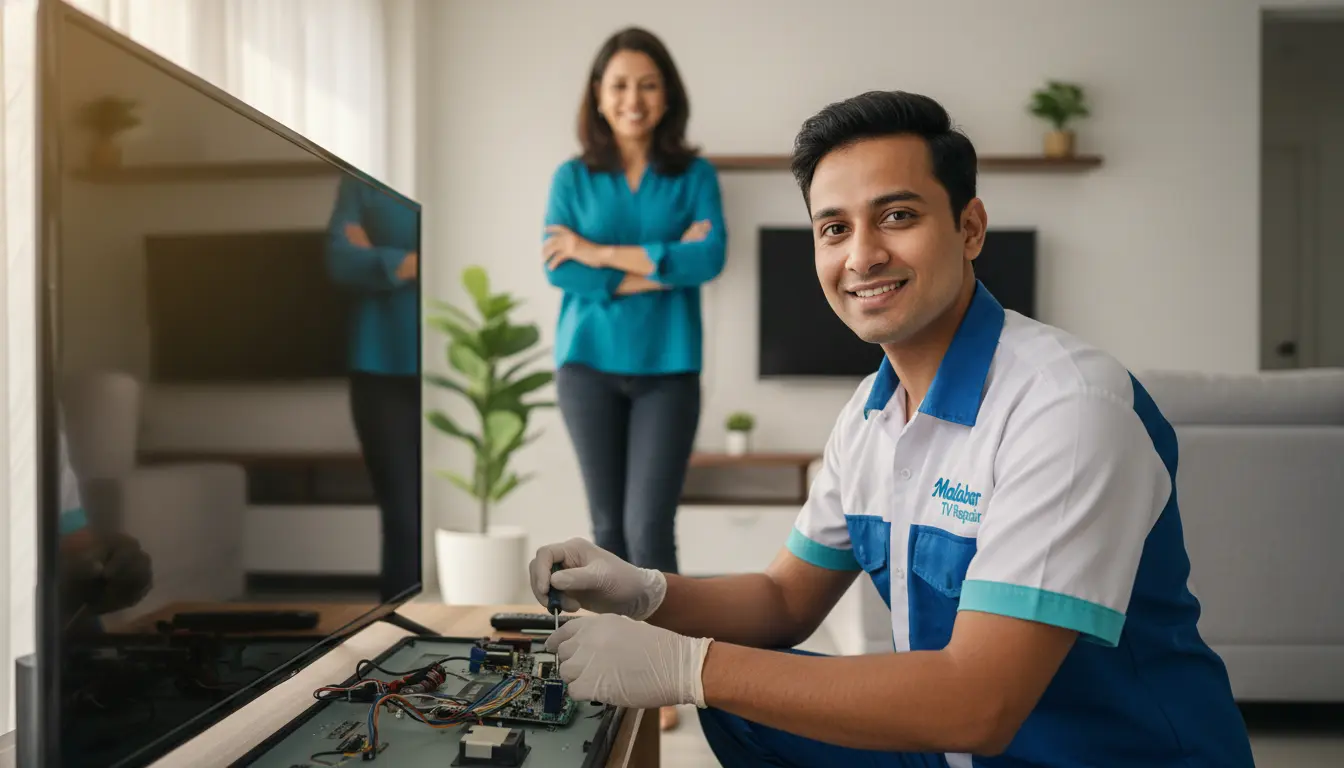
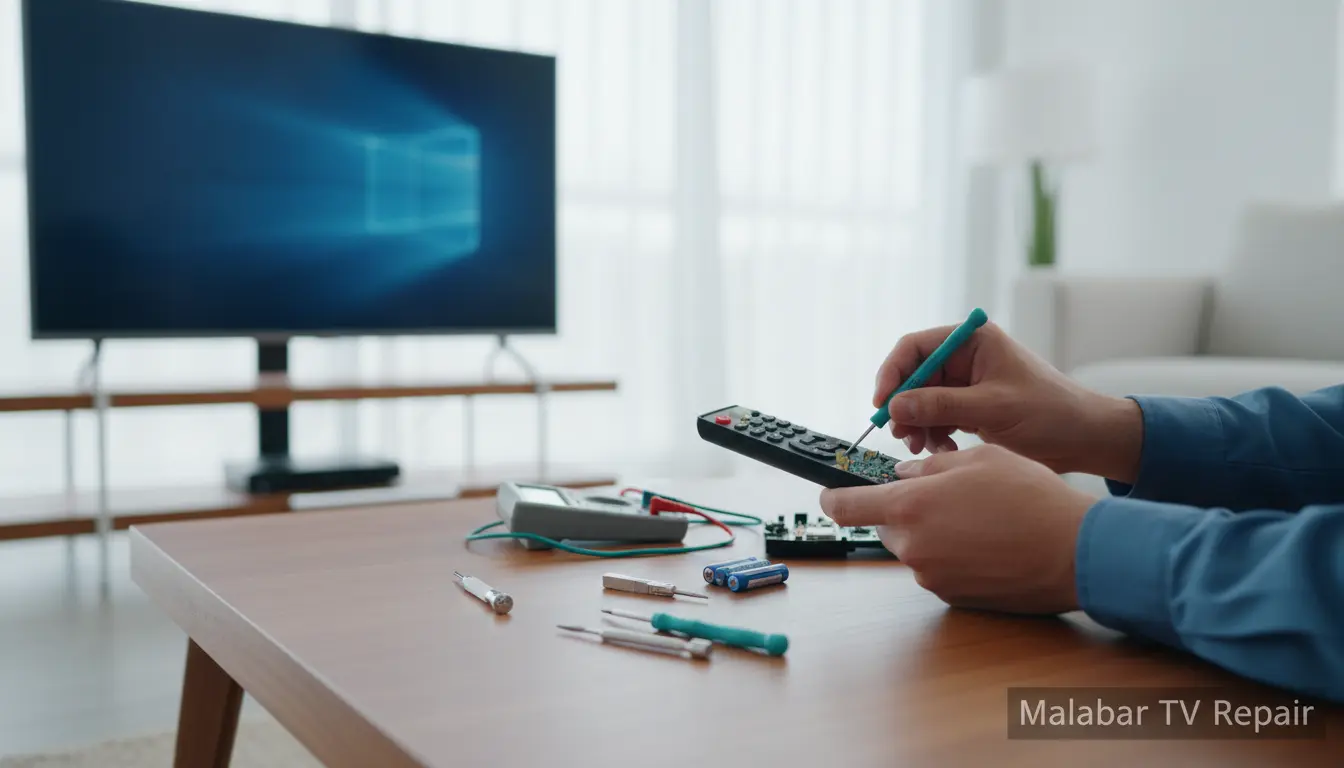
Is there anything more frustrating than reaching for your TV remote only to find it unresponsive? In the heart of Malabar, where cozy evenings watching your favorite shows are a staple, a malfunctioning remote can quickly turn relaxation into irritation. At Malabar TV Repair, we’ve seen it all—from dead batteries to sticky buttons—and we’re here to help you reclaim control without the hassle. This comprehensive DIY guide will walk you through simple fixes that you can do at home, saving you time and money. Whether you’re in Melbourne Beach or nearby Viera, these tips are tailored for local folks dealing with everyday TV troubles. Let’s dive in and get your remote back in action!
Understanding Common TV Remote Problems
TV remotes are the unsung heroes of home entertainment, but they wear out over time. Identifying the issue is the first step to fixing it. Here are some of the most frequent problems we encounter at Malabar TV Repair in the Malabar area.
Dead or Weak Batteries
The simplest culprit is often the batteries. If your remote feels light or the TV doesn’t respond even after pressing buttons firmly, it’s time for a swap. Low batteries can cause intermittent signals, making your remote seem finicky. In humid Malabar weather, corrosion can build up inside the battery compartment, exacerbating the problem.
Unresponsive Buttons
Sticky or unresponsive buttons are common after spills or dust accumulation. If only certain buttons work, like the power but not the volume, debris might be the issue. For more complex cases, such as those affecting LCD screen repair integration, the remote’s infrared sensor could be faulty.
Signal Interference or Range Issues
Does your remote only work when you’re inches from the TV? Interference from bright lights, fluorescent bulbs, or even nearby Wi-Fi routers can disrupt the infrared signal. In bustling homes around Bayside Lakes, multiple devices can add to this chaos.
Pairing Problems with Smart TVs
Modern smart TVs require remotes to be paired via Bluetooth or Wi-Fi. If your remote won’t connect, it might need a reset. This is especially relevant for plasma models, where plasma TV repair issues can sometimes mimic remote faults.
Basic Troubleshooting Steps
Before diving into repairs, try these quick checks. They’re low-effort and often resolve the problem on the spot.
Step 1: Check the Basics
Start by ensuring the TV is powered on and the remote’s batteries are fresh. Insert new alkaline batteries, matching the polarity (+ and -). Test the remote by pointing it at a phone camera—the infrared light should appear as a purple glow on the screen if it’s working.
Step 2: Clean the Remote’s Exterior
Wipe the remote with a soft, dry cloth to remove fingerprints and grime. For deeper cleaning, use a cotton swab dipped in isopropyl alcohol (avoid water to prevent short-circuiting). Pay special attention to the button gaps, where Malabar’s coastal dust can accumulate.
Step 3: Test for Interference
Move closer to the TV and remove any obstacles. Turn off nearby electronics like cordless phones or microwaves. If you’re in a multi-room setup in Port St. John, try using the remote in a different space to isolate the issue.
Advanced DIY Fixes for Stubborn Remotes
If basic steps don’t work, roll up your sleeves for these practical solutions. No special tools required—just patience and a steady hand.
Cleaning Inside the Battery Compartment
Remove the batteries and inspect for corrosion (white or green buildup). Gently clean with a vinegar-soaked toothbrush, then dry thoroughly. This prevents acid damage that could spread to the circuit board. In Malabar’s salty air, this step is crucial for longevity.
Resetting the Remote
For universal or smart remotes, look for a reset button (often a small pinhole). Use a paperclip to press it for 10 seconds. Alternatively, remove batteries for 5 minutes to discharge residual power. Re-pair by following your TV’s manual—hold the setup button until the light flashes.
Replacing Internal Components
If buttons are mushy, carefully disassemble the remote (search for your model online for guides). Clean the rubber button pads with alcohol and reassemble. For IR LED issues, a cheap replacement LED from an electronics store can be soldered in, but if you’re not handy, consider our firmware update service for software-related glitches.
DIY Signal Booster
If range is the problem, wrap aluminum foil around the remote’s front (leaving the emitter exposed) to focus the signal. It’s a quick hack that works wonders in larger living rooms common in Fellsmere homes.
When DIY Isn’t Enough: Knowing When to Call Pros
While these tips fix most issues, some problems point to deeper TV faults. If your remote works but the TV doesn’t respond, it could be a power supply repair need or audio sync issues requiring audio system fix. At Malabar TV Repair, we specialize in diagnosing these for Malabar residents, offering same-day service to get you back to streaming.
Don’t risk further damage—our technicians use genuine parts and have years of experience with local brands. We’ve helped families across the area restore their entertainment setups without breaking the bank.
FAQ: Common Questions About TV Remote Fixes
1. How do I know if my remote batteries are the problem?
If the remote light doesn’t blink or it only works sporadically, batteries are likely culprits. Always test with fresh ones to confirm.
2. Can I fix a water-damaged remote at home?
Yes, disassemble and dry it thoroughly with rice or silica packets for 48 hours. If buttons stick afterward, professional cleaning may be needed.
3. Why does my remote stop working after a TV firmware update?
Updates can reset pairings. Re-pair the remote following the TV’s on-screen prompts, or check for compatibility issues.
4. Is it worth buying a universal remote instead of fixing the old one?
For simple fixes, yes—save money. But if your TV has advanced features, a universal might not cover everything; consult our experts.
5. How often should I replace my TV remote?
Every 2-3 years with regular use, but cleaning extends life. In Malabar’s environment, inspect annually for corrosion.
Conclusion: Take Control of Your TV Experience Today
Fixing TV remote problems doesn’t have to be a headache. With these DIY steps, you can troubleshoot and repair most issues right in your Malabar home, ensuring uninterrupted family movie nights. From battery swaps to deep cleans, empowerment starts with knowledge. However, for persistent problems or full TV diagnostics, trust the pros at Malabar TV Repair. We’re your local experts, serving Malabar and surrounding areas with reliable, affordable service. Give us a call today at (877) 886-4281 or visit our site to schedule a visit—let’s get your remote (and your TV) firing on all cylinders again! Your perfect viewing experience awaits.