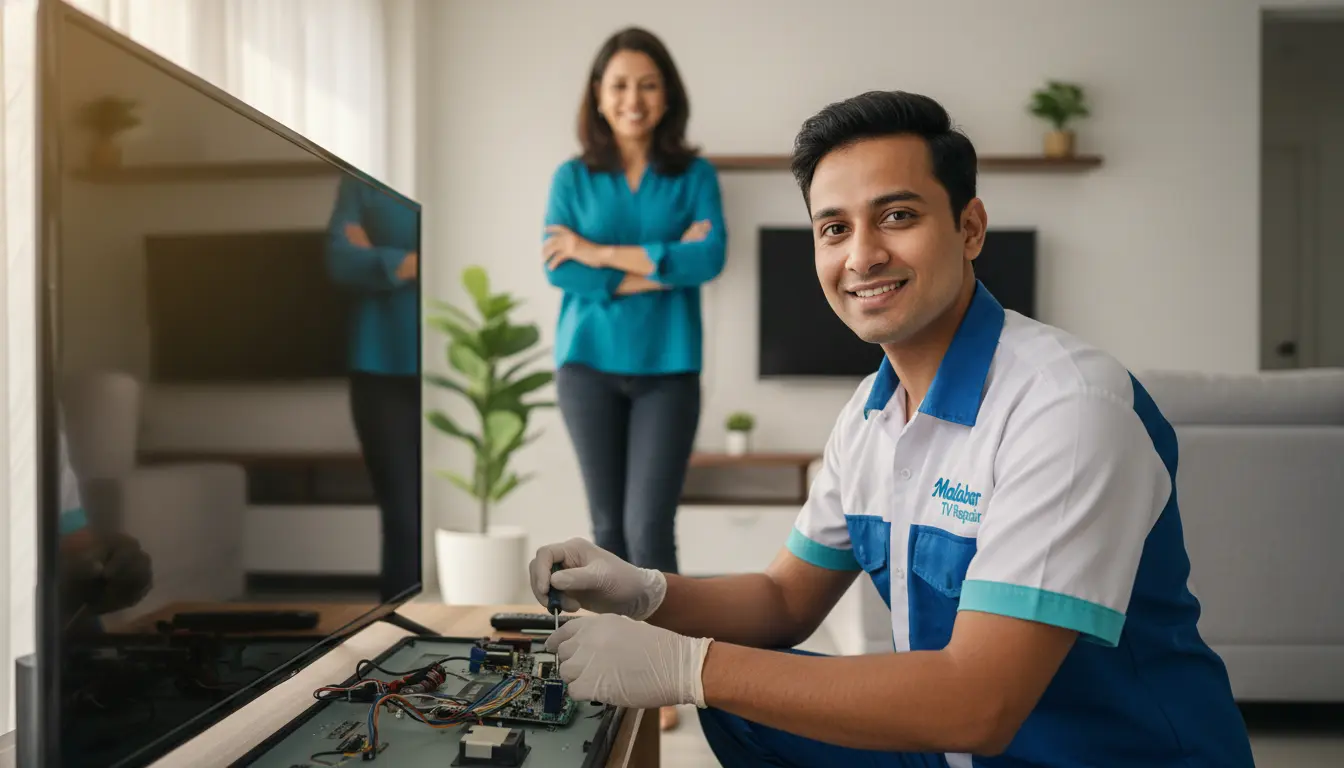
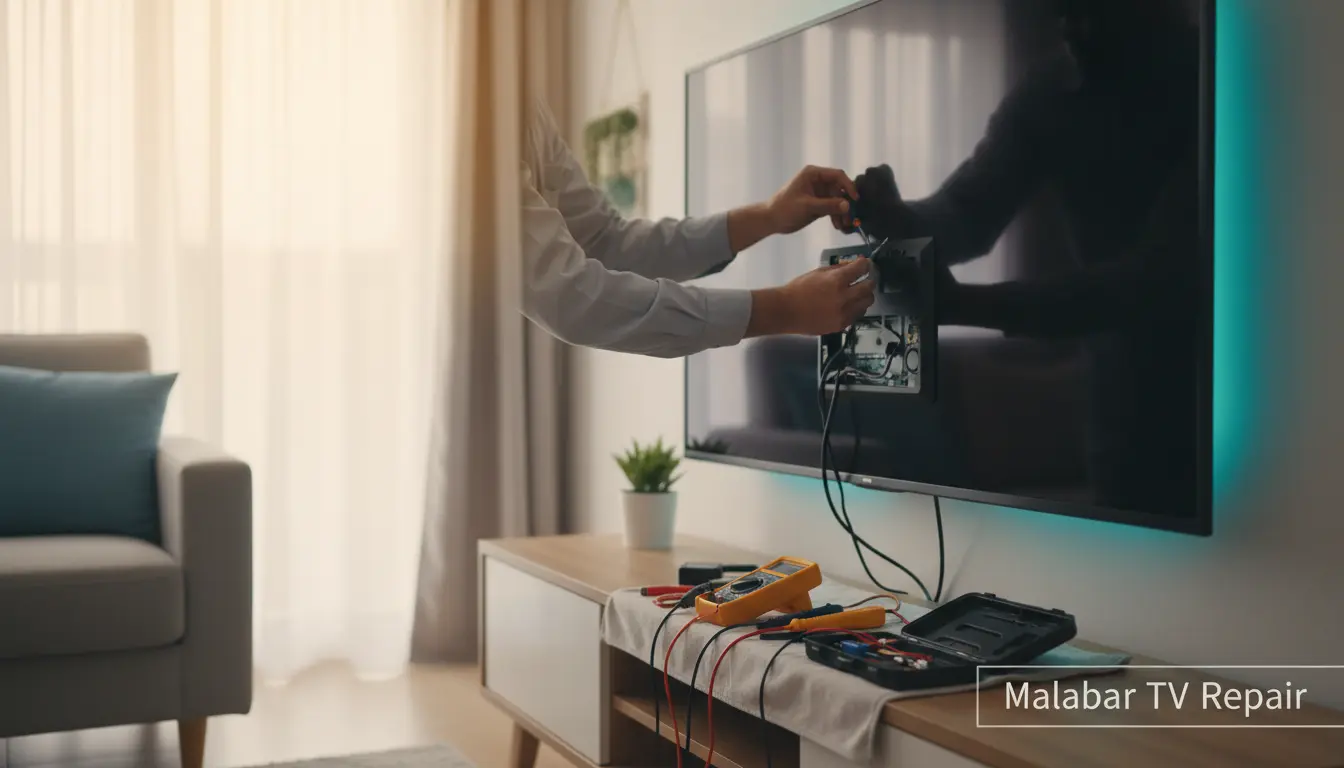
Is your smart TV acting up, turning your cozy movie night into a frustrating ordeal? You’re not alone. In the bustling coastal communities of Malabar, where evenings are perfect for streaming the latest shows, a glitchy TV can disrupt the vibe. At Malabar TV Repair, we’ve seen it all—from frozen screens to connectivity woes—and we’re here to help you tackle these issues yourself before calling in the pros. This guide empowers Malabar homeowners with practical, step-by-step troubleshooting tips to get your smart TV back in action. Whether it’s a Samsung, LG, or Sony model, these strategies can save you time and hassle. Let’s dive in and reclaim your entertainment setup!
Common Smart TV Problems and Why They Happen
Smart TVs are marvels of technology, blending internet connectivity with high-definition displays. However, like any gadget, they can falter due to software bugs, hardware wear, or simple user errors. In Malabar’s humid climate, dust buildup and power fluctuations from coastal storms can exacerbate issues, leading to more frequent troubleshooting needs.
Frozen or Unresponsive Screen
A frozen screen is one of the most aggravating smart TV problems. It often stems from overloaded apps, outdated firmware, or overheating. Start by performing a soft reset: unplug your TV from the power outlet, wait 60 seconds, and plug it back in. This clears temporary glitches without losing your settings.
If that doesn’t work, check for overheating. Ensure your TV has adequate ventilation—avoid placing it in enclosed cabinets, especially in Malabar’s warm weather. For persistent freezes, consider a firmware update service to optimize performance.
No Sound or Poor Audio Quality
Nothing ruins binge-watching like silent scenes. Audio issues might arise from muted settings, faulty cables, or app-specific bugs. First, verify the volume isn’t muted and audio output is set to your preferred device, like built-in speakers or a connected soundbar.
Test with different inputs: switch from streaming apps to cable or HDMI sources. If using a soundbar, ensure proper integration—loose cables or incompatible settings are common culprits. In Malabar, where many homes pair TVs with external audio systems, our soundbar integration service has helped countless residents sync their setups seamlessly.
Wi-Fi Connectivity Problems
Smart TVs rely on stable internet, but spotty Wi-Fi in Malabar’s rural pockets can cause buffering or app failures. Begin by restarting your router and TV. Move the TV closer to the router if signal strength is weak, or use a Wi-Fi extender for better coverage.
Forget and reconnect to the network via your TV’s settings menu. Outdated router firmware could be the issue—update it if possible. For chronic connectivity woes, a professional diagnostic checkup can pinpoint network hardware problems.
Step-by-Step Troubleshooting Guide
Armed with the basics, let’s walk through a systematic approach to diagnose and fix your smart TV. These steps are tailored for DIY enthusiasts in Malabar, minimizing downtime during your busy coastal lifestyle.
Step 1: Basic Power and Cable Checks
Start simple. Inspect all power cords for damage—Malabar’s salty air can corrode connections over time. Ensure the TV is plugged into a surge protector to guard against power surges from thunderstorms.
Try a different outlet to rule out electrical issues. If your TV powers on but displays oddly, swap HDMI cables; frayed ones are a frequent offender in multi-device home theaters.
Step 2: Update Software and Apps
Outdated software is a prime suspect for smart TV glitches. Navigate to your TV’s settings > Support > Software Update. Enable automatic updates to prevent future issues.
Clear app caches individually: go to each app’s settings and select ‘Clear Cache.’ For deeper cleans, factory reset as a last resort—but back up your accounts first. In areas like nearby Melbourne, where tech-savvy users abound, we often recommend this before advanced repairs.
Step 3: Test Hardware Components
If software tweaks fail, hardware might be at play. For picture issues like dead pixels or flickering, gently clean the screen with a microfiber cloth—avoid harsh chemicals that could damage OLED panels.
Run a built-in diagnostic test (found in settings under ‘Support’ or ‘Troubleshooting’). Listen for unusual fan noises indicating dust buildup; a quick vacuum around vents can help, but don’t insert anything inside.
For screen-specific problems on premium models, professional intervention like our OLED screen repair ensures delicate handling without voiding warranties.
Step 4: Advanced Network and App Fixes
Reboot your entire home network: unplug modem, router, and TV for five minutes. Assign a static IP to your TV in router settings to avoid IP conflicts.
Uninstall problematic apps and reinstall from the store. If streaming services like Netflix buffer endlessly, lower video quality temporarily. Serving communities around Grant, we’ve assisted many with similar internet hiccups tied to local ISPs.
When to Call in the Professionals
While these tips resolve most issues, some problems demand expert eyes. If your TV shows signs of internal damage—like bulging capacitors from power issues—or won’t respond to resets, it’s time for help. In Malabar, where vintage models are cherished heirlooms, attempting DIY fixes on older units can worsen damage.
At Malabar TV Repair, our technicians specialize in swift, on-site service. For classic sets, explore our vintage TV restoration to breathe new life into beloved pieces. Don’t risk further complications—reach out early.
FAQ: Smart TV Troubleshooting Essentials
1. Why does my smart TV keep restarting randomly?
Random restarts often signal overheating or power supply faults. Ensure proper airflow and check cords. If it persists, a diagnostic can reveal capacitor issues common in humid Malabar environments.
2. How do I fix a black screen with sound?
This points to backlight failure. Try adjusting brightness settings first. For LED or OLED TVs, professional repair is usually needed to avoid costly full replacements.
3. Can I troubleshoot remote control issues?
Yes! Replace batteries, point directly at the TV, and clean sensors. Re-pair the remote via settings if it’s a smart one. For irreparable remotes, we offer compatible replacements during service calls.
4. What if apps won’t load after troubleshooting?
Clear cache, update apps, and restart. Inconsistent internet might be the cause—test speeds. If unresolved, firmware updates or a full reset often do the trick.
5. Is it safe to factory reset my smart TV?
Absolutely, but it erases custom settings. Back up apps and accounts first. It’s a solid step before professional help, especially for stubborn software glitches.
Conclusion: Get Your Smart TV Back on Track with Malabar TV Repair
Troubleshooting smart TV issues at home doesn’t have to be daunting. With these actionable steps—from basic resets to network tweaks—you can often restore your device without hassle. In Malabar’s vibrant community, where family gatherings revolve around big screens, keeping your TV in top shape enhances every moment.
However, if DIY efforts fall short, trust the local experts at Malabar TV Repair. Serving Suntree and surrounding areas like Valkaria and Barefoot Bay, we’re just a call away for reliable, affordable repairs. Contact us today at (877) 886-4281 or schedule online to book your service. Your perfect viewing experience awaits—let’s make it happen!