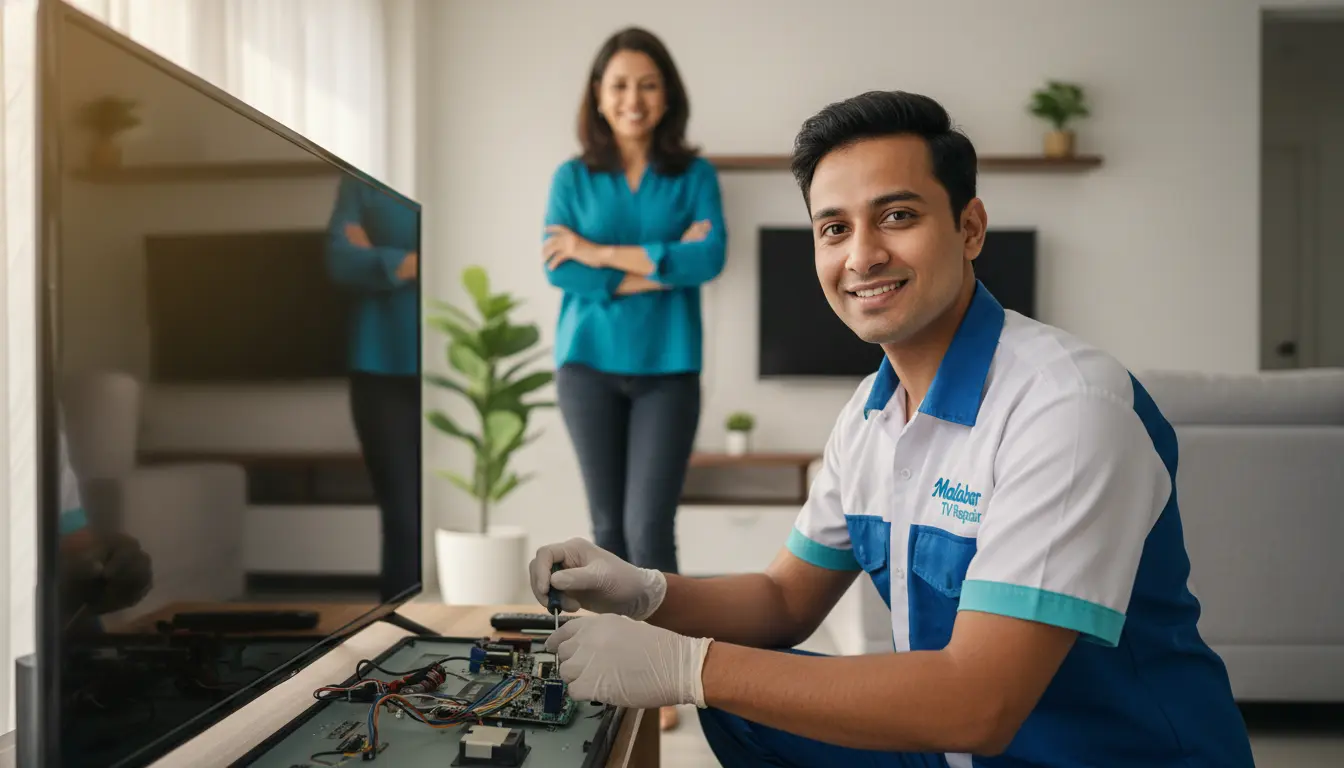
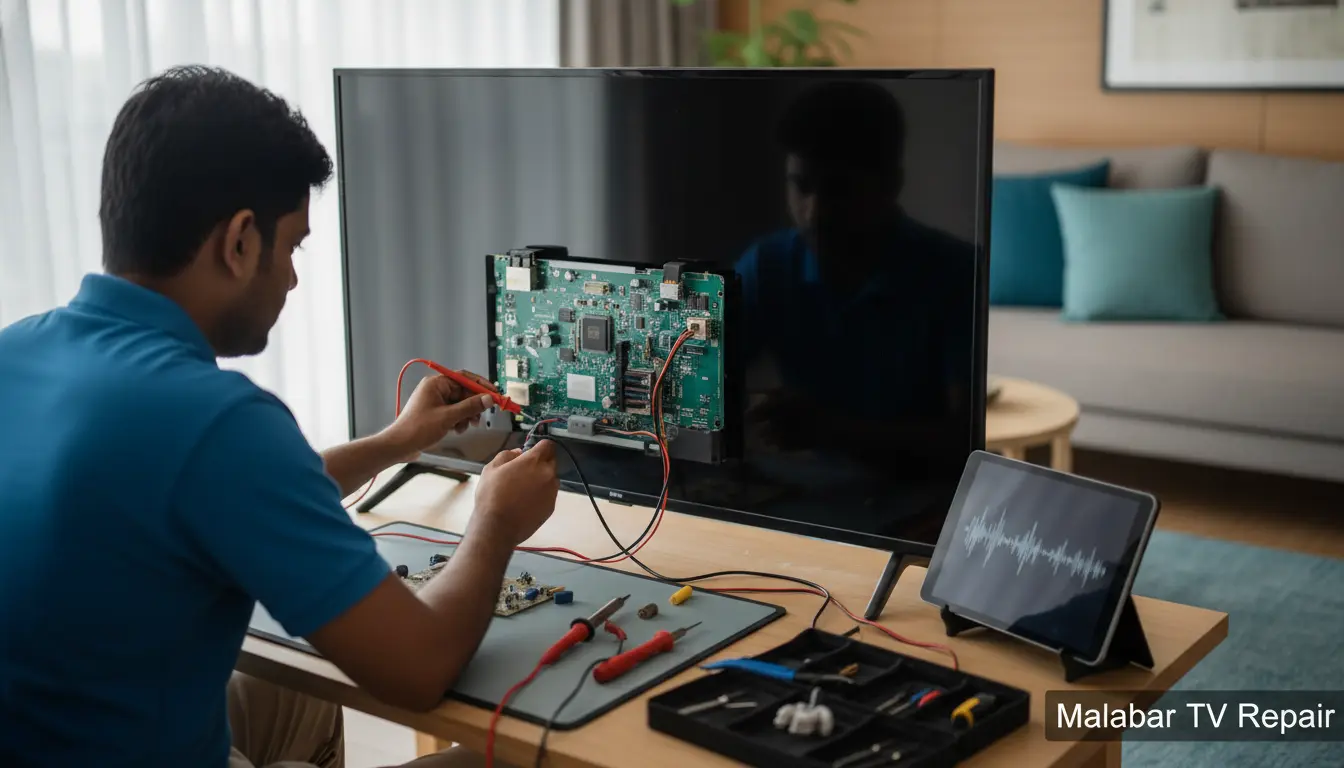
Imagine settling in for your favorite show after a long day, only to be met with stunning visuals but zero audio. Frustrating, right? If you’re in Malabar and facing this common TV headache, you’re not alone. At Malabar TV Repair, we’ve seen it all—from faulty speakers to software glitches—and we’re here to help. As your trusted local TV repair experts serving the Malabar area, we specialize in diagnosing and fixing sound issues efficiently, so you can get back to enjoying crystal-clear audio without missing a beat.
In this guide, we’ll explore the most common reasons your TV has gone silent, share practical troubleshooting tips, and explain why professional help from Malabar TV Repair is your best bet. Whether you’re in the heart of Malabar or nearby spots like Satellite Beach, we’ve got the solutions to restore your home theater experience.
Common Causes of No Sound on Your TV
TVs are complex devices, and when the sound cuts out, it could stem from several sources. Understanding these can save you time and prevent unnecessary panic. Let’s break it down.
1. Simple Connection Problems
Often, the issue is as straightforward as a loose cable. HDMI, optical, or RCA connections can wiggle free over time, especially if your setup involves wall mount installation for a sleek look. In Malabar’s humid climate, cables can also corrode slightly, leading to intermittent audio dropouts.
Quick Tip: Start by unplugging all audio cables, inspecting for damage, and reconnecting them firmly. If you’re using external speakers or a soundbar, ensure they’re powered on and set to the correct input.
2. Remote Control or Settings Mishaps
Your TV remote might be the culprit. Accidental button presses can mute the sound or switch audio outputs. Modern smart TVs also have accessibility features like audio descriptions that could override normal playback.
Actionable Advice: Check the remote’s mute button and volume controls. Navigate to your TV’s settings menu (usually under Sound or Audio) and verify the output is set to internal speakers or your connected device. If the remote is unresponsive, consider a firmware update service to rule out software bugs.
3. Hardware Failures in Speakers or Amplifiers
If basic checks don’t work, the problem might lie within the TV itself. Built-in speakers can fail due to wear and tear, power surges common in coastal areas like Malabar, or manufacturing defects. For OLED or LCD models, internal amplifiers might need attention—issues we’ve repaired countless times for locals in Cocoa Beach.
Pro Insight: Don’t attempt DIY speaker repairs; they involve delicate components. Instead, look for signs like distorted audio before total silence, which indicates impending failure.
4. Software Glitches and App Conflicts
Smart TVs run on operating systems that can glitch, especially after updates or app installations. Streaming services like Netflix might conflict with your TV’s audio settings, causing silence during playback.
Practical Step: Perform a soft reset by powering off your TV, unplugging it for 5-10 minutes, and restarting. If that fails, a factory reset might be needed, but back up your settings first.
DIY Troubleshooting: Step-by-Step Guide to Restore TV Sound
Before calling in the pros, try these hands-on steps tailored for Malabar residents. Our team at Malabar TV Repair recommends them as first-line defenses against common audio woes.
Step 1: Verify External Devices
If your TV is connected to a soundbar, receiver, or gaming console, test the audio by bypassing them. Plug headphones directly into the TV’s audio jack. No sound? The issue is internal. For enhanced setups, our soundbar integration service can ensure seamless compatibility.
Step 2: Test with Different Sources
Switch inputs—try a built-in app versus cable or streaming. If sound works on one but not others, the problem is source-specific. In Malabar’s tech-savvy community, this often points to HDMI-CEC conflicts, where devices fail to communicate properly.
Step 3: Clean and Inspect Ports
Dust and debris in audio ports can cause poor connections. Use compressed air (gently!) to clean them. Avoid liquids, as they can damage electronics in our Florida humidity.
Step 4: Update and Restart
Ensure your TV’s firmware is current. Outdated software is a frequent silent killer. Follow your model’s instructions or schedule our firmware update service for hassle-free maintenance.
These steps resolve about 60% of no-sound issues we encounter. If they don’t, it’s time for expert intervention to avoid further damage, like needing LCD screen repair from mishandled troubleshooting.
Why Choose Malabar TV Repair for Your Audio Issues?
Living in Malabar means dealing with salty air and occasional storms that can wreak havoc on electronics. That’s where Malabar TV Repair shines—we’re locals who understand these challenges. Serving areas like Grant and Port St. John, we offer:
- Rapid Response Times: Same-day service for urgent fixes, so you don’t miss the big game.
- Certified Technicians: Trained on all major brands, from Samsung to LG, with a focus on audio diagnostics.
- Affordable, Transparent Pricing: No hidden fees; we quote upfront after a free assessment.
- Warranty-Backed Repairs: All work comes with a 90-day guarantee, giving you peace of mind.
We’ve helped hundreds of Malabar families reclaim their TV sound, turning frustration into family movie nights. For high-end models, we also handle OLED screen repair alongside audio fixes.
Advanced Solutions for Persistent Sound Problems
If DIY fails, deeper issues like blown capacitors or faulty audio boards may be at play. These require specialized tools and expertise. At Malabar TV Repair, we use diagnostic software to pinpoint problems quickly.
Integrating External Audio Systems
Upgrading to a soundbar or surround system can bypass internal speaker failures. We recommend models compatible with Malabar’s variable power grid to prevent future outages. Our integration services ensure perfect sync, enhancing your viewing in cozy beachside homes.
Preventing Future Audio Failures
Proactive care is key. Regularly clean vents to avoid overheating, use surge protectors against Florida thunderstorms, and schedule annual check-ups. In Valkaria and surrounding spots, we’ve seen how these habits extend TV life by years.
FAQ: Common Questions About TV Sound Issues
1. Why is there no sound on my TV but the picture is fine?
This typically indicates an audio-specific problem, like muted settings, loose cables, or speaker failure. Start with basic checks; if unresolved, professional diagnosis is advised.
2. Can I fix TV sound issues myself, or do I need a repair service?
Many cases are DIY-friendly, but hardware faults require experts to avoid voiding warranties or causing more damage. Malabar TV Repair offers quick, reliable service.
3. How long does it take to repair no sound on a TV?
Most repairs take 1-2 hours on-site, depending on the cause. We prioritize Malabar customers for fast turnaround.
4. Does humidity in Malabar affect TV audio?
Yes, it can lead to corrosion. Using dehumidifiers and regular maintenance helps prevent issues.
5. What if my TV is under warranty?
We’ll coordinate with the manufacturer. Our repairs often qualify for coverage, saving you money.
Conclusion: Don’t Let Silence Ruin Your Entertainment—Act Now!
No sound on your TV doesn’t have to mean the end of your relaxation routine. With the troubleshooting tips and expert services from Malabar TV Repair, you can have your audio back in no time. Serving Malabar and nearby areas like Valkaria, we’re committed to top-notch TV repair that fits your life.
Ready to hear every dialogue and soundtrack again? Contact Malabar TV Repair today for a free consultation. Call us at (877) 886-4281 or visit our site to schedule your service. Your perfect viewing experience awaits—let’s make it happen!