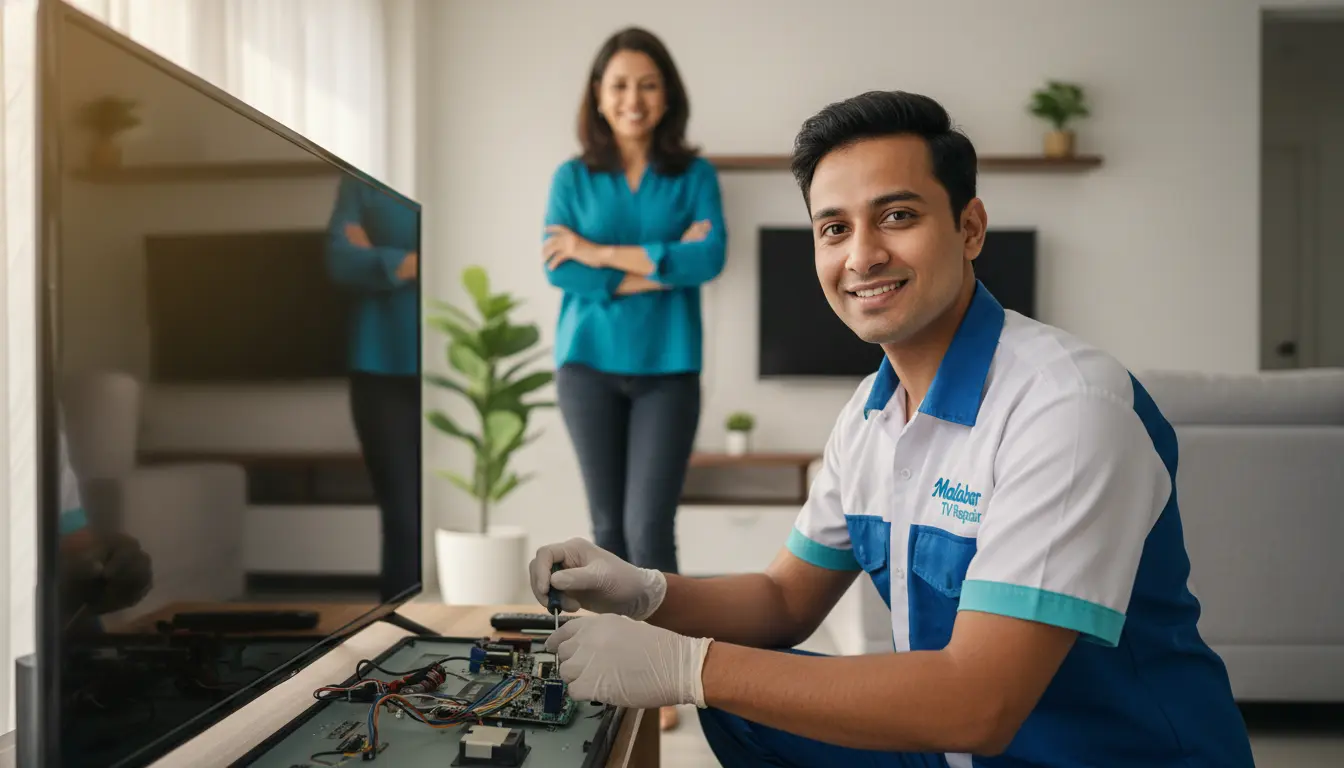
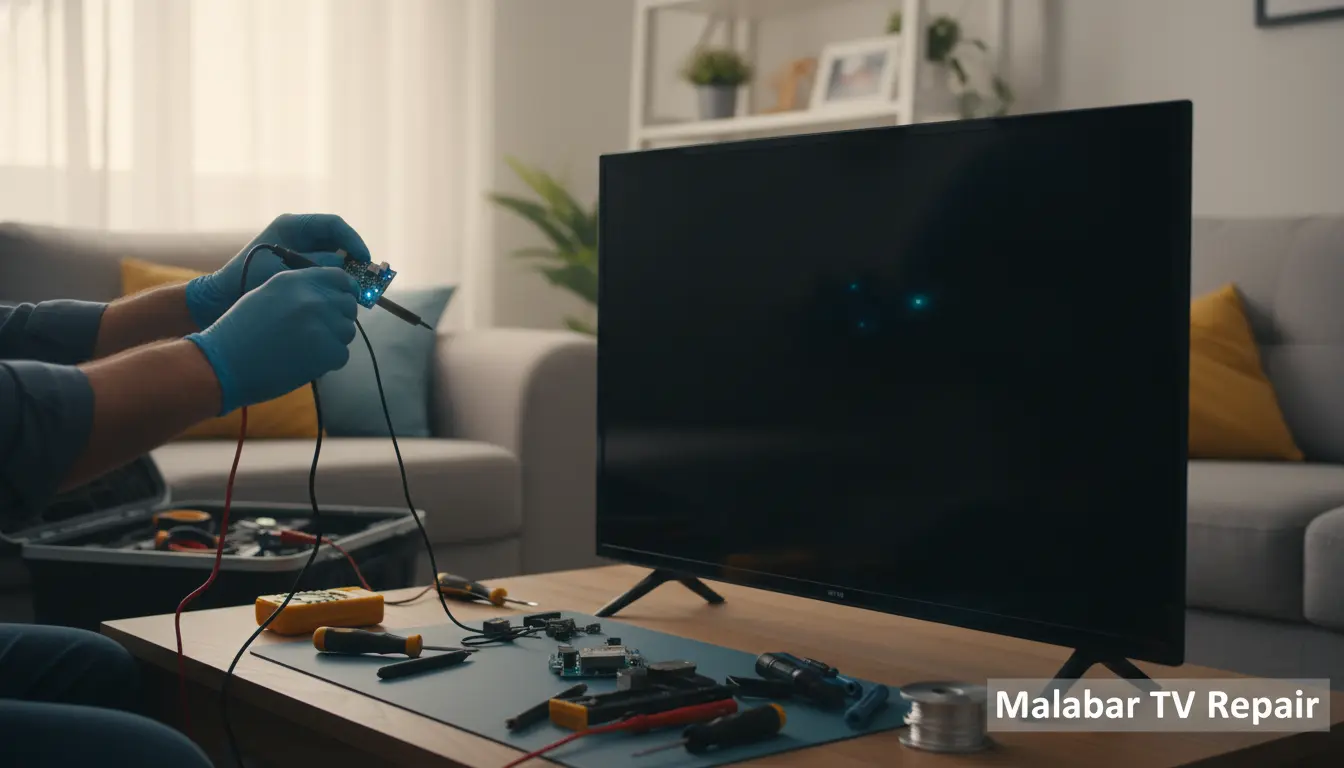
Imagine settling in for your favorite show after a long day in the sunny Malabar community, only to be met with a frustrating black screen on your TV. It’s a common headache for households across Brevard County, from the quiet streets of Malabar to nearby neighborhoods. At Malabar TV Repair, we’ve seen it all—whether it’s a sudden blackout during a big game or a persistent issue disrupting family movie nights. Don’t worry; you’re not alone, and help is just a call away.
In this guide, we’ll dive into the most likely reasons your TV screen is black and provide straightforward, DIY quick fixes you can try right now. If those don’t work, our expert technicians are ready to step in with professional solutions tailored for Malabar residents. Let’s get your TV back to life and your entertainment uninterrupted.
Common Causes of a Black TV Screen
A black screen can stem from simple oversights to more technical glitches. Understanding the root cause is the first step to resolution. Here in Malabar, where power fluctuations from coastal weather can play a role, these issues pop up more frequently than you’d think.
Power Supply Problems
One of the top culprits is a power supply hiccup. Your TV might be plugged in, but is it actually getting power? Check if the outlet is working by plugging in another device, like a lamp. In Malabar’s humid climate, loose connections or faulty power cords are common.
Quick Fix: Unplug your TV for 5-10 minutes, then plug it back in. This simple reset can resolve temporary power glitches. If the cord looks frayed, replace it immediately to avoid safety risks.
For persistent issues, consider scheduling a diagnostic checkup with our team at Malabar TV Repair—we’ll pinpoint electrical problems efficiently.
Cable and Connection Issues
Loose or damaged cables are another frequent offender. HDMI, coaxial, or power cables can wiggle free over time, especially if your setup is behind furniture or in a high-traffic area.
Quick Fix: Inspect all cables connected to your TV. Gently unplug and replug each one, ensuring they’re secure. If you’re using an HDMI for streaming, try a different port or cable. In areas like nearby Suntree, where homes often have complex AV setups, this step alone fixes many black screen woes.
If cables seem worn, our cable connection repair service can handle replacements and optimizations for seamless performance.
Overheating and Ventilation Blockages
TVs generate heat, and poor ventilation can cause them to shut down as a safety measure, resulting in a black screen. Dust buildup in Malabar’s sandy environment exacerbates this.
Quick Fix: Ensure your TV has at least 4-6 inches of space around it for airflow. Gently clean vents with a soft brush or compressed air—never use a vacuum, as it can create static. Power cycle the TV after cleaning.
Troubleshooting Steps for Black Screen Fixes
Before calling in the pros, follow these step-by-step troubleshooting tips. They’re designed for quick implementation and work for most modern TVs, from LEDs to smart models popular in Malabar homes.
Step 1: Basic Reset and Power Cycle
Start with the basics. Turn off your TV using the power button (not just the remote), unplug it from the wall, and wait 10 minutes. This clears any temporary software glitches.
While you’re at it, check your remote—dead batteries can mimic a black screen if the TV isn’t responding. Replacing them often revives the display. For advanced remote issues, explore our remote control programming to ensure compatibility with your setup.
Step 2: Check Input Source and Settings
Your TV might be on the wrong input. Use the remote’s ‘Input’ or ‘Source’ button to cycle through options like HDMI-1 or TV mode.
Pro Tip: If it’s a smart TV, the software might have glitched. Access the menu (if possible) and run a factory reset—but back up settings first. In Imperial Estates near Malabar, we’ve helped many locals reset their systems after updates go awry.
Step 3: Test with External Devices
Connect a different device, like a DVD player or gaming console, to the same HDMI port. If it works, the issue might be with your cable box or streaming device.
For integrated audio setups, ensure your soundbar isn’t interfering—our soundbar integration service can fine-tune these for crystal-clear sound and video in your Malabar living room.
When to Call Professional TV Repair in Malabar
DIY fixes are great for minor issues, but if your screen stays black after these steps, it could indicate a deeper problem like a failed backlight, main board malfunction, or capacitor issue. In Malabar and surrounding areas like Barefoot Bay, where salt air can corrode internals, professional intervention is key to preventing further damage.
At Malabar TV Repair, we specialize in swift diagnostics and repairs for all major brands, including Samsung, LG, and Sony. Serving the entire Malabar area and beyond to places like Valkaria, our technicians arrive equipped and on time. Don’t let a black screen ruin your downtime—reach out today for a quote.
We also offer wall mount installation to secure your TV properly, reducing strain on connections that might cause blackouts.
Local Insights: TV Issues in Malabar and Nearby
Living in Malabar means dealing with unique environmental factors. The proximity to the Indian River Lagoon brings humidity and occasional power surges from storms, which can trigger TV black screens more often. We’ve noticed a spike in service calls from Cocoa residents after heavy rains, where water infiltration affects electronics.
If you’re in Suntree or Imperial, similar coastal influences apply. Our area-specific services ensure we’re familiar with local setups, from mounted TVs in beachside homes to entertainment centers in family dwellings. For Barefoot Bay locals, we recommend annual checkups to combat corrosion.
FAQ: Black TV Screen Troubleshooting
Why is my TV screen black but I can hear sound?
This often points to a backlight failure or inverter issue. Quick fix: Check brightness settings first. If that doesn’t help, professional repair is needed to replace components safely.
Can a black screen be fixed without replacing the TV?
Absolutely! In 80% of cases we handle in Malabar, repairs cost far less than a new TV. From loose cables to board swaps, our team restores functionality.
How long does a TV repair take in Malabar?
Most black screen fixes are completed same-day or within 24-48 hours. We prioritize locals, so expect prompt service without the wait.
Is it worth repairing an older TV with a black screen?
Yes, if it’s under 7-10 years old. Energy-efficient repairs save money compared to buying new, especially with our affordable rates.
What if my smart TV has a black screen after an update?
Updates can cause software conflicts. Try a factory reset, but if unsuccessful, our diagnostic service will resolve firmware issues quickly.
Conclusion: Restore Your TV Today with Malabar TV Repair
A black TV screen doesn’t have to mean the end of your entertainment options. With these quick fixes—from power cycles to cable checks—you can often resolve the issue yourself. But when you need expert hands, Malabar TV Repair is your trusted partner, serving Malabar and areas like Cocoa, Suntree, and Valkaria with precision and care.
Don’t miss another episode or game—contact Malabar TV Repair now for a free consultation. We’re here to brighten your screen and your day. Call us 4076324065 or visit our site to book service today!